Chat with Work is an assistant for your work. You ask a question, it searches the tools you connect, live, with your own access, and answers with links back to what it used. It changes something in a tool only if you let it, and only after you approve each change.
Create your account
- Go to chatwithwork.com/users/sign_up.
- Sign up with Google, Slack, or Dropbox, or with your name, email address, and a password.
- If you used an email address, open the confirmation email we send and follow the link.
You land on a new chat. No card is needed.
Ask your first question
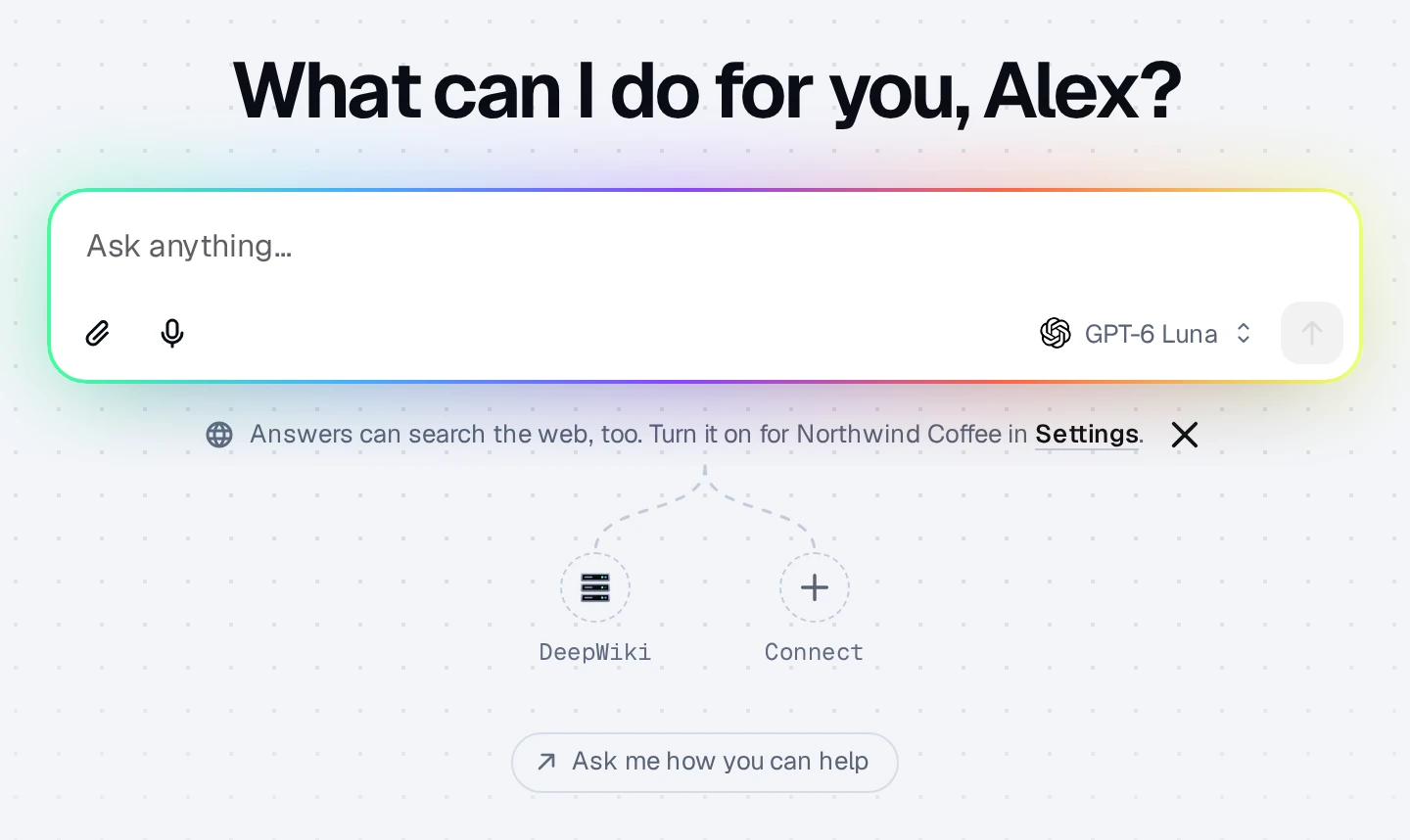
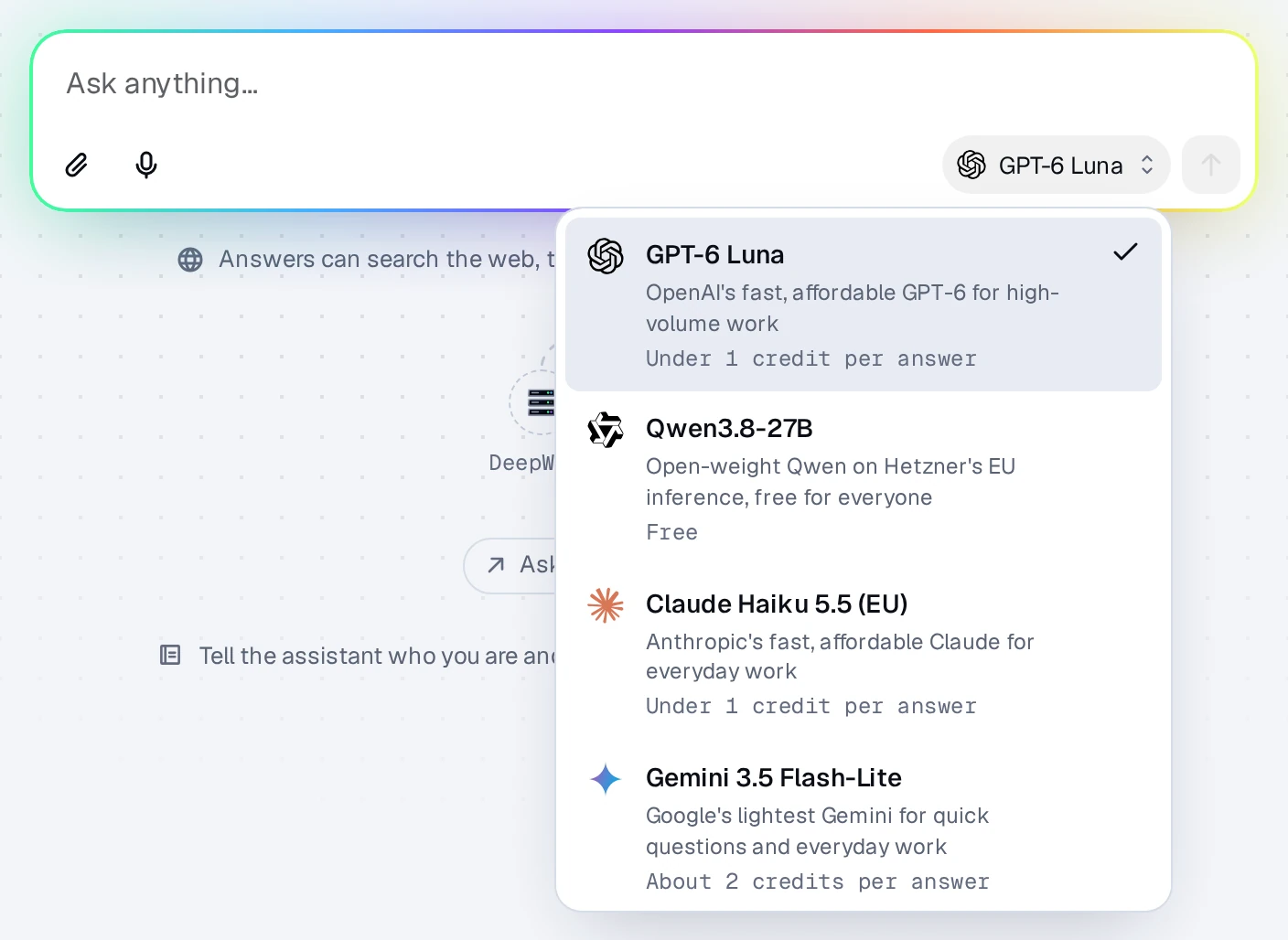
Type a question in the composer and press Enter. The composer opens once you've connected a service, your own MCP server, or a computer; until then it shows Connect a service (see below). The model picker beside the composer shows which model answers and about how many credits an answer costs on it.
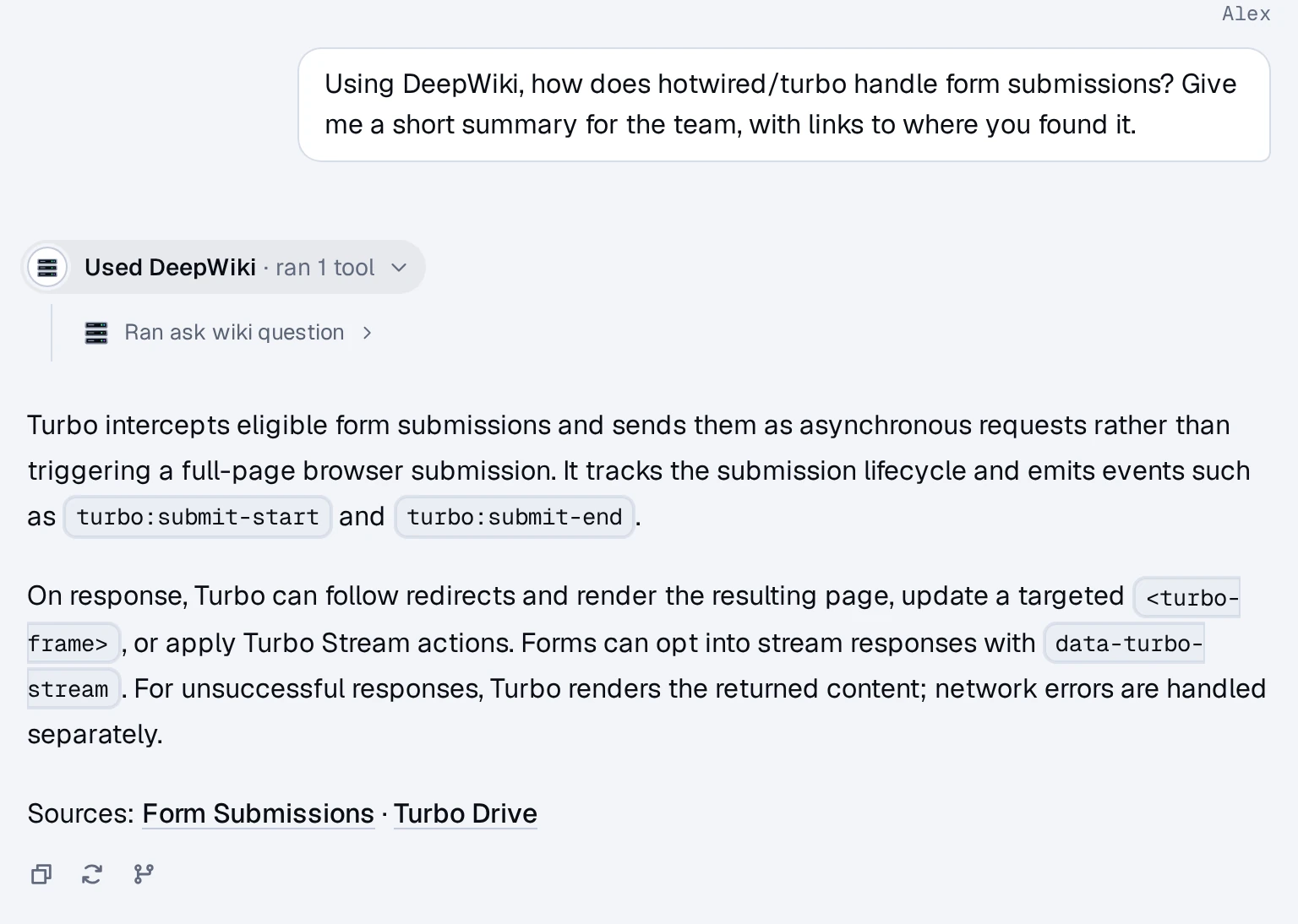
When the assistant uses your services, a line above the answer says which ones. Click it to see each step it took.
Connect a service
On a new chat, the services you've connected fan out below the composer. Click the + at the end (or Connect a service if nothing is connected yet), pick a service, and sign in to it. You can connect several in a row, then click I'm done. You can also connect from Settings ▸ Connectors: open Settings by clicking your name at the bottom of the sidebar.
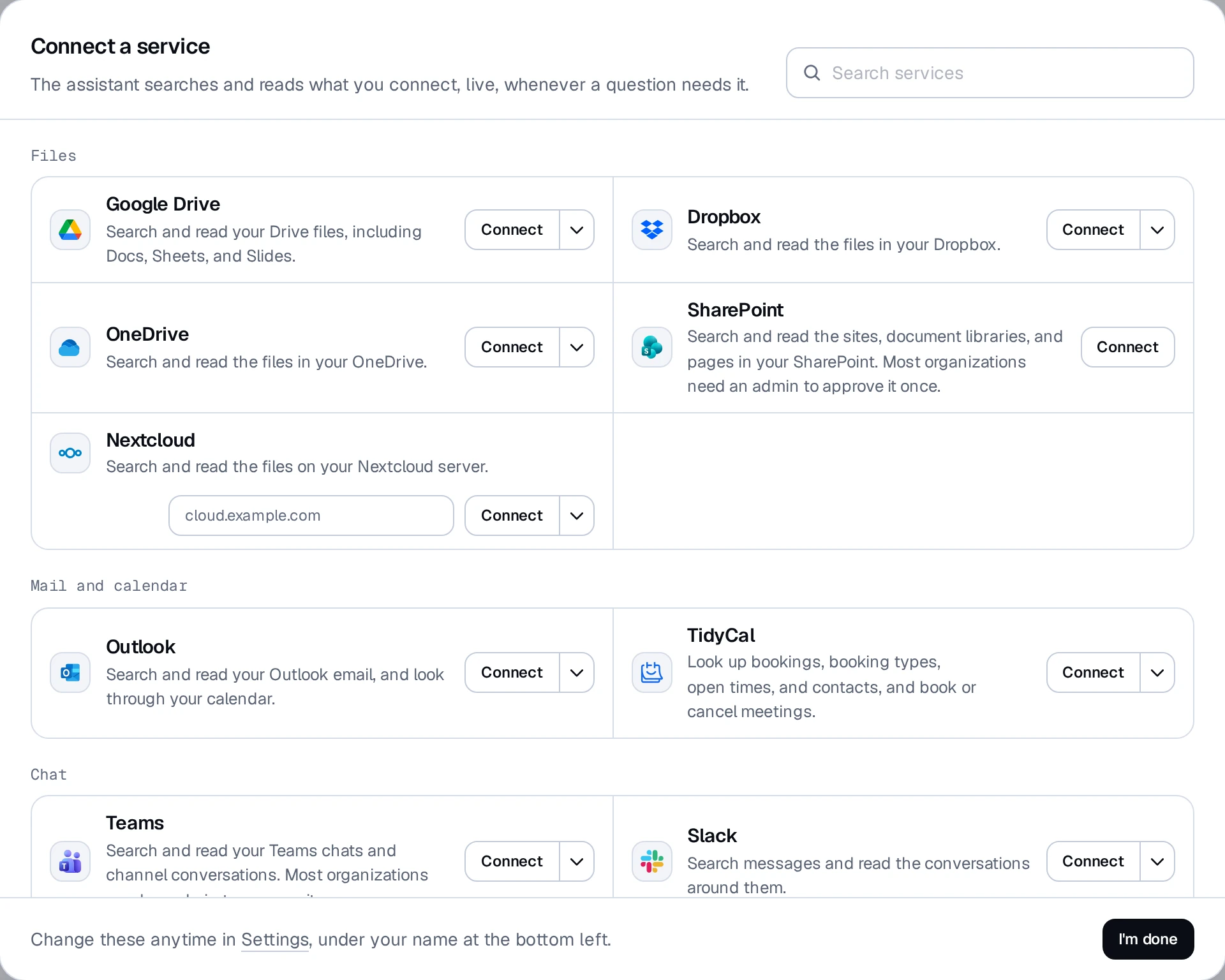
Every connector starts at Read. See "Connecting services" for what "Read and change" means.
Free answers and credits
- Free models answer 30 questions a day per person, with no plan and no credits. The count resets at midnight in your time zone and covers all your organizations together.
- Every other model spends credits. Each new login gets 300 trial credits once, which never expire. After that, an organization buys a plan or a top-up.
See "Credits and plans" for the details.
Organizations
Signing up creates an organization with you as its owner. Everything you connect and every chat you start belongs to you inside that organization. To bring in teammates, owners and admins use Settings ▸ People (Invite someone, or a Join link). Working with a different company or client? Under Settings ▸ People, New organization starts another one: your login stays the same, and its chats, connectors, and credits are kept separate.
Questions? Click the chat bubble in the corner of the app, or write to support@chatwithwork.com.